0. Your account
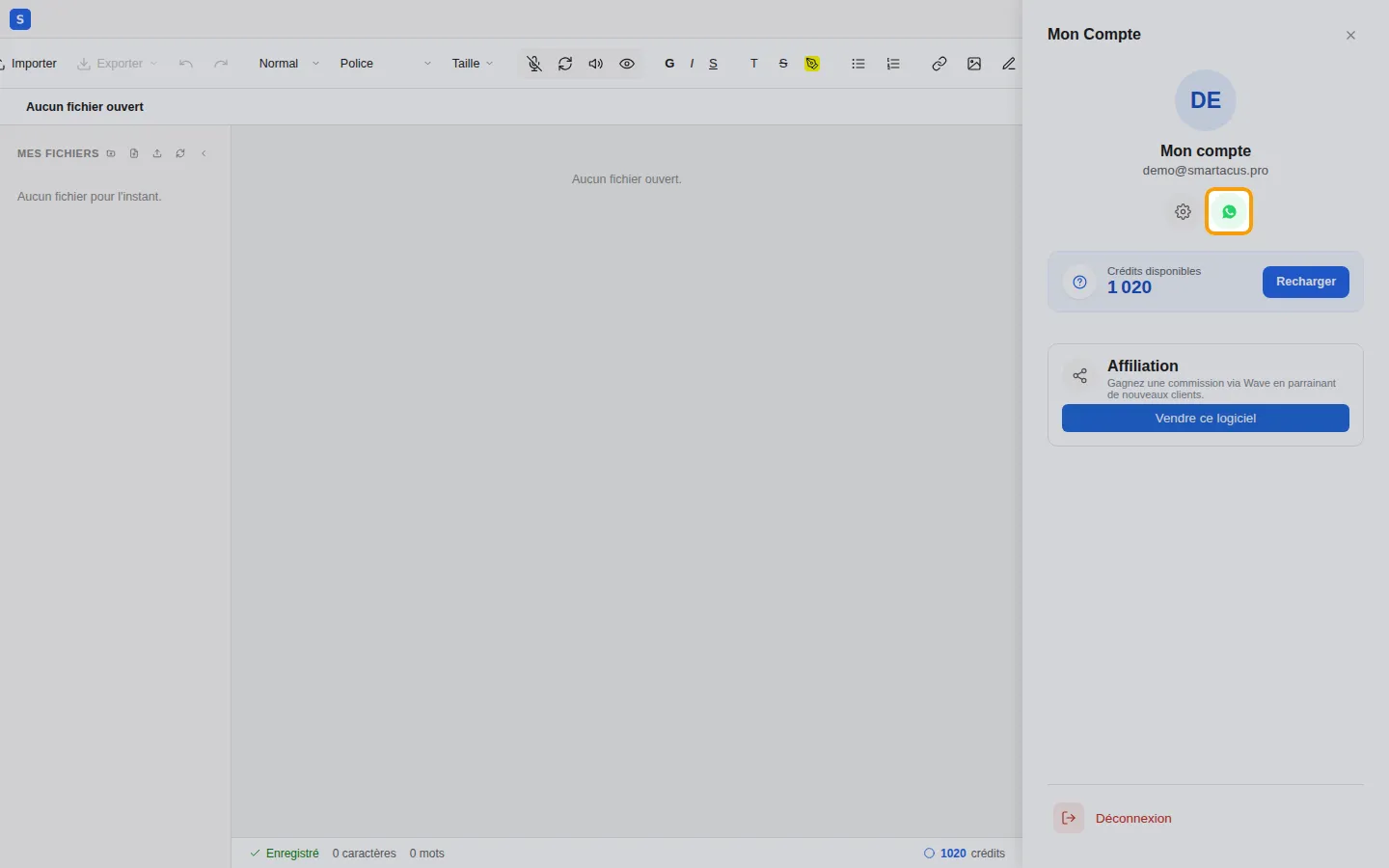
An account gives you access to your documents and to Copilot, wherever you are. Open the editor at odoo.smartacus.pro/editor: everything happens in the Mon compte (My account) panel, opened with the icon at the top right of the editor.
0.1 Create an account
Section titled “0.1 Create an account”- Open Mon compte, then click Se connecter (Log in).
- Choose Créer un compte (Create an account).
- Enter your e-mail address and choose a password.
- Accept the terms of use, then click Créer mon compte (Create my account).
- Copy the 6-digit code you received by e-mail and click Vérifier (Verify).
You can also use the Se connecter avec Google (Sign in with Google) button: no code or password is needed then.
If someone recommended Smartacus to you, open the editor from their referral link before creating your account: you will be linked to that person.
0.2 Log in and log out
Section titled “0.2 Log in and log out”To come back later, open Mon compte, click Se connecter and enter your e-mail address and password.
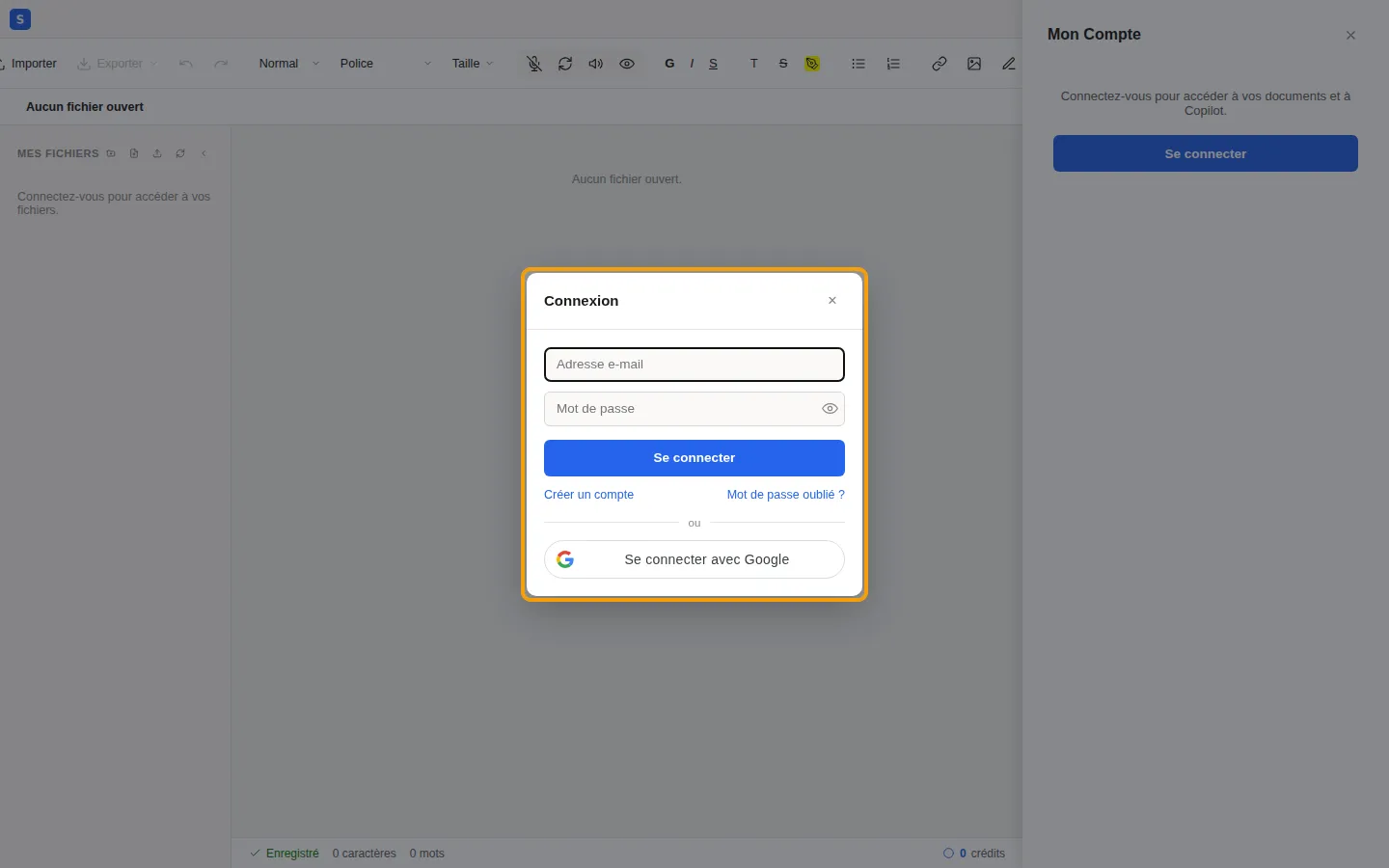
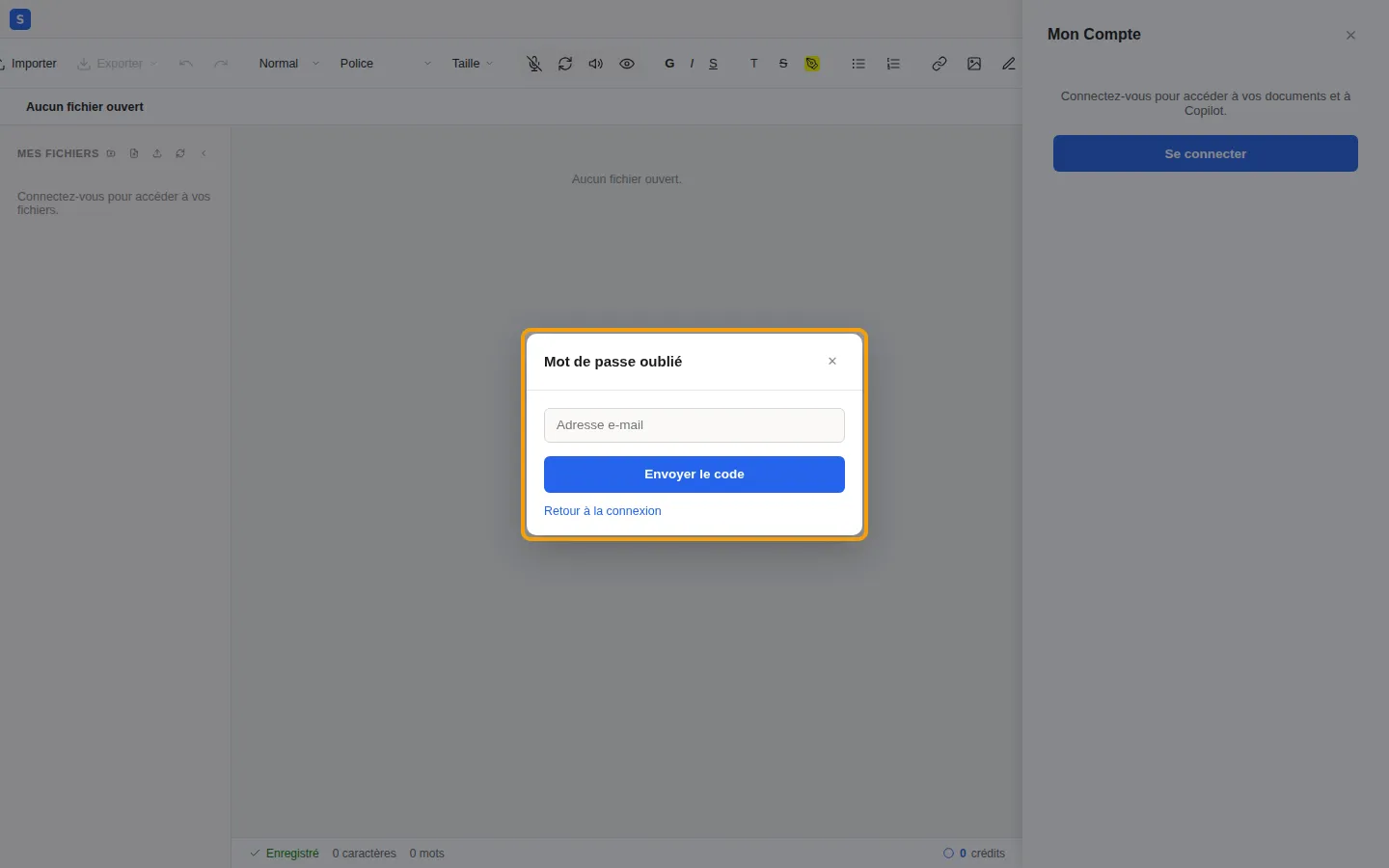
Forgot your password? Click Mot de passe oublié ? (Forgot password?), enter your e-mail address and follow the instructions: a code is sent to you so you can choose a new password.
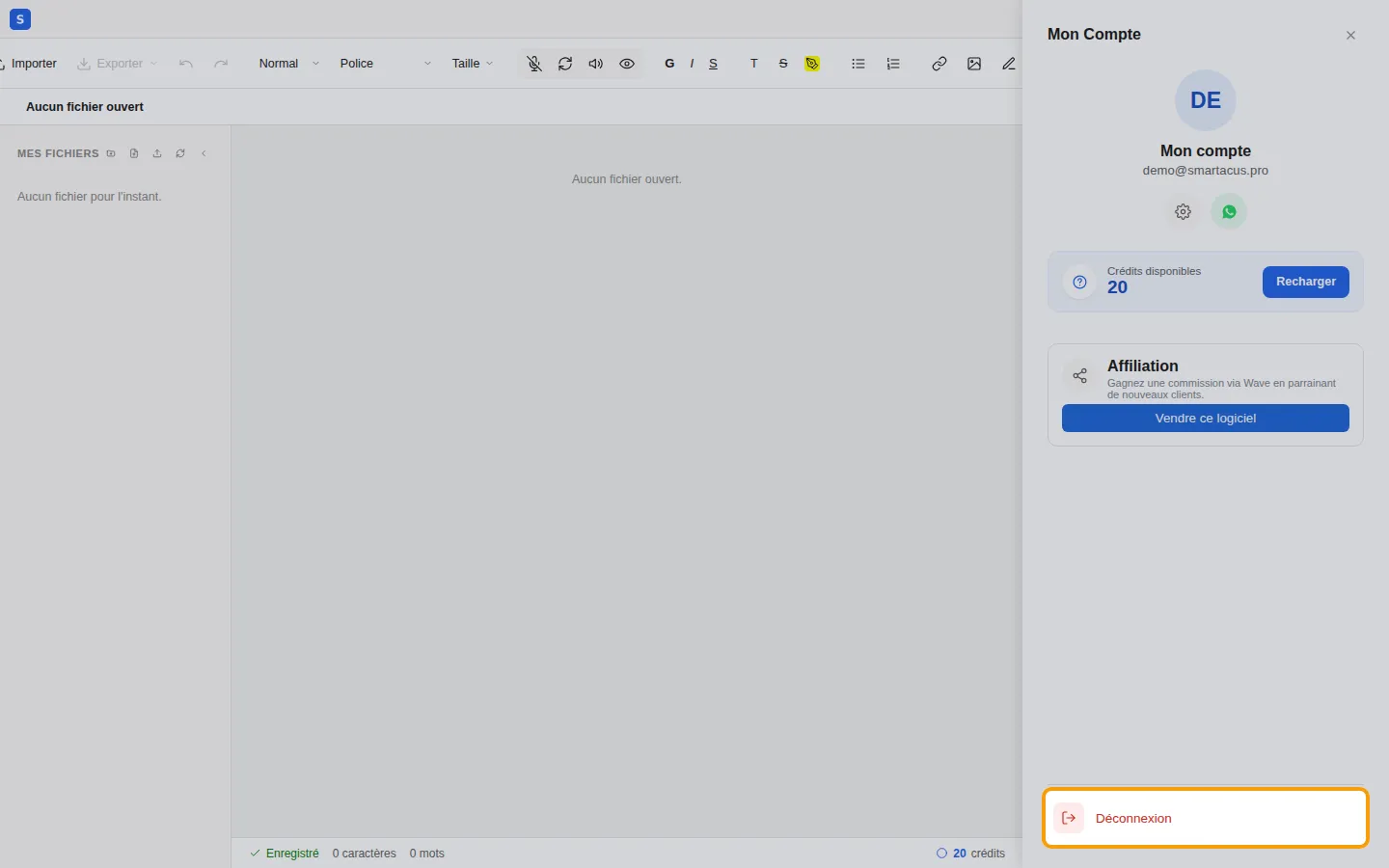
To log out, for example on a shared computer, click Déconnexion (Log out) at the bottom of the Mon compte panel.
0.3 Credits and top-ups
Section titled “0.3 Credits and top-ups”The artificial intelligence features use credits. Your balance appears in Mon compte (and at the bottom right of the editor). A small welcome bonus is offered when you sign up.
To top up:
- Click Recharger (Top up).
- Enter the amount in CFA francs: 1 XOF = 1 credit.
- Scan the QR code with the Wave app and approve the payment.
- The top-up is confirmed automatically and your credits are added right away.
What uses credits
Section titled “What uses credits”| Action | Credits |
|---|---|
| Extracting the text of a scanned document or a photo | an amount per page, shown before it starts |
| Régénérer (Regenerate) a passage | based on the number of words produced |
| Copilot changes your document | a small fixed amount per change, plus the number of words written (its chat answers are free) |
| Transcribing a voice message | based on the number of words transcribed |
| Aperçu IA (AI preview), if enabled | an amount per page of the preview, for each new preview |
| Exporting to Word (.docx) | a small fixed amount |
Free: dictation, reading aloud, extracting a PDF that already contains text, reopening a document that was already extracted, the standard preview, and PDF and image exports.
0.4 Settings
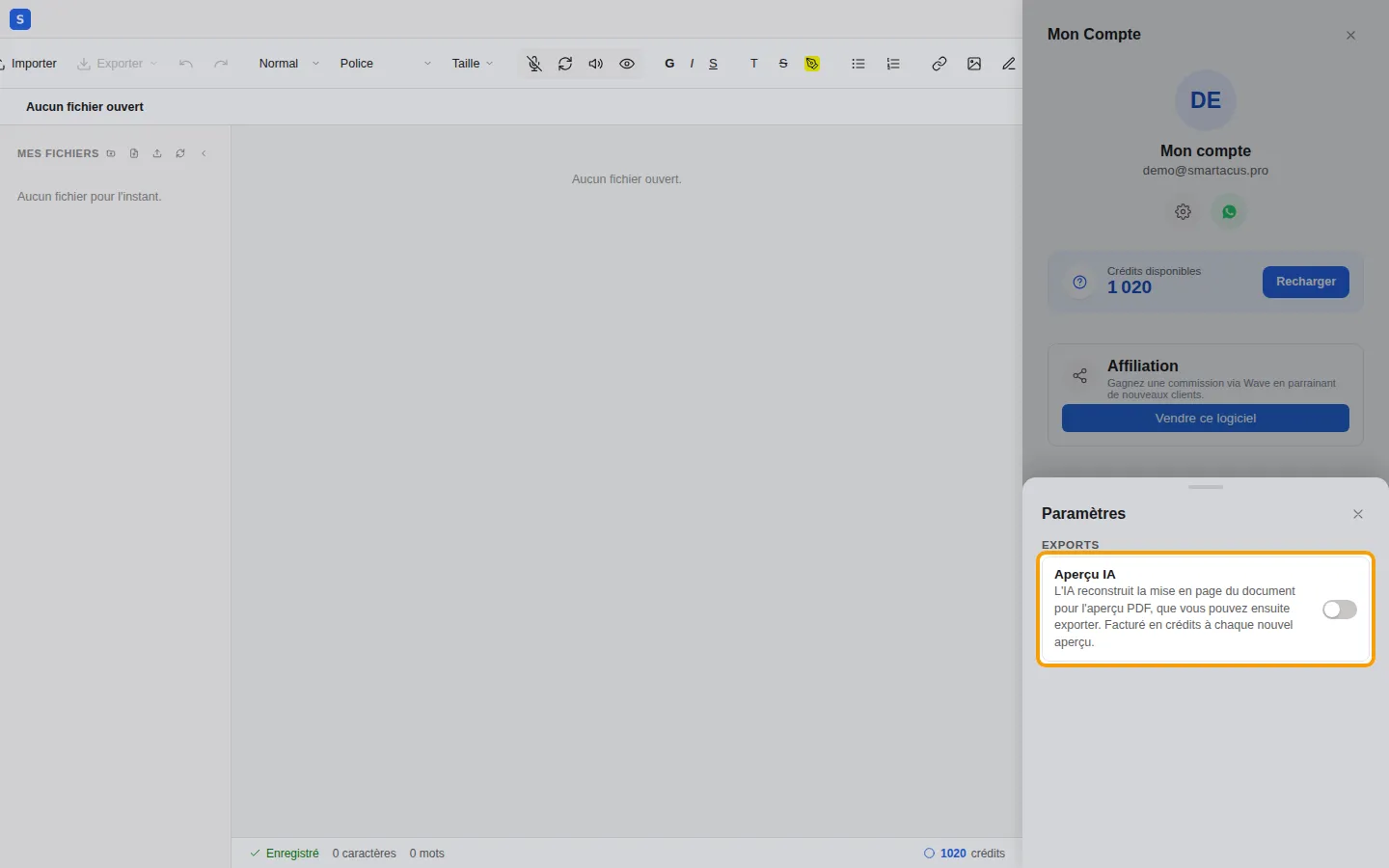
Section titled “0.4 Settings”The gear icon in Mon compte opens the settings. The Aperçu IA (AI preview) option, off by default, asks the AI to rebuild the layout of your documents for the PDF preview. It is charged per page for each new preview; without it, the standard preview is free.
0.5 Help on WhatsApp
Section titled “0.5 Help on WhatsApp”The WhatsApp button in Mon compte opens a conversation with Smartacus support, with a help request already written: all you have to do is describe your problem.